

Giving Thedas a Fresh Look: Dragon Age: Inquisition Gets Modern Anti-Aliasing Options
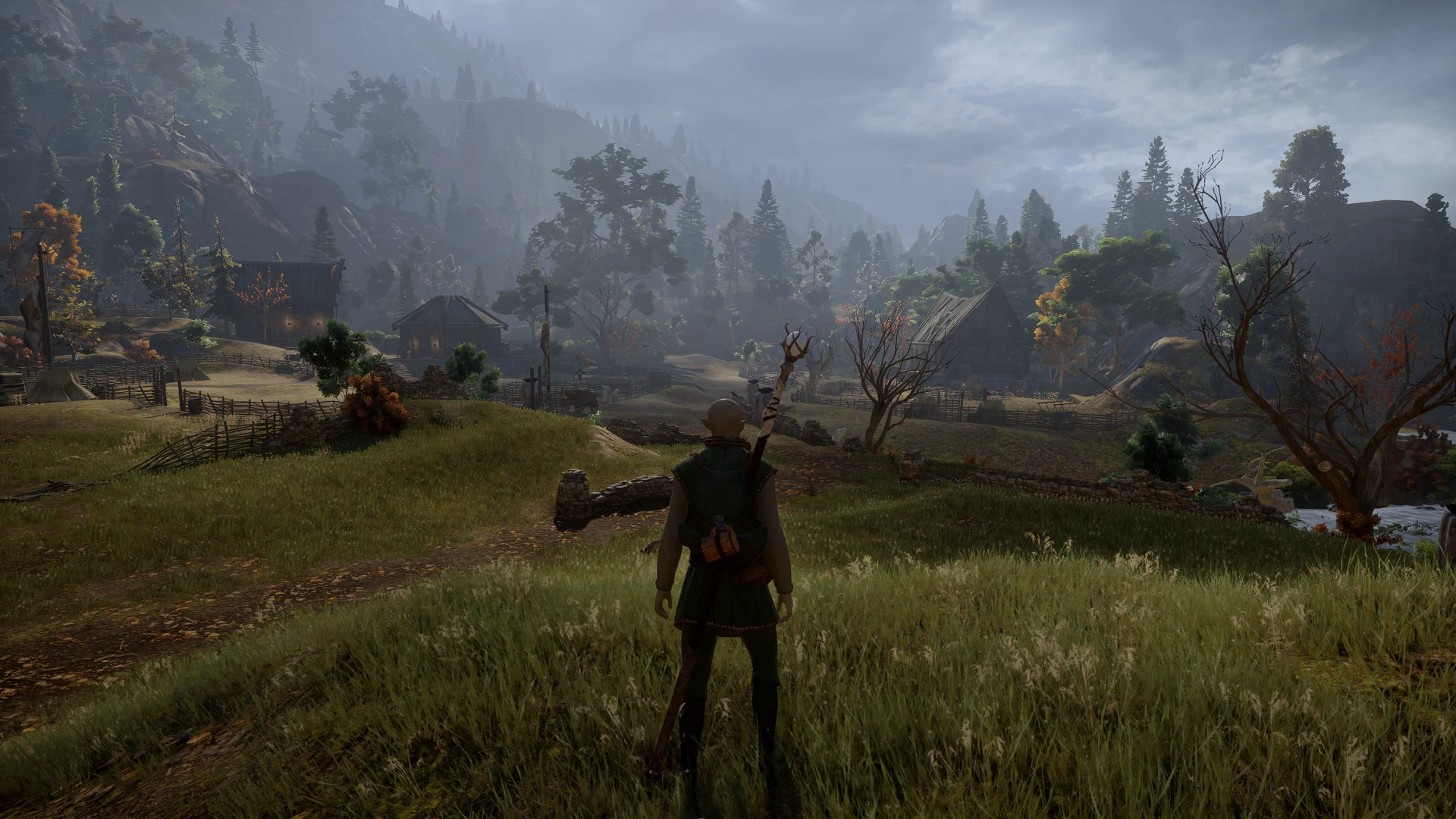
Dragon Age: Inquisition has aged rather gracefully in some respects. The sweeping landscapes of the Hinterlands, the dense forests of the Emerald Graves, and the enormous architecture scattered throughout Thedas still give BioWare's RPG a distinctive visual identity more than a decade after its release. But while the world itself remains impressive, some of the graphics technology behind it belongs firmly to 2014. DLAA-FSR offers another way to fine-tune that presentation, introducing NVIDIA DLAA and AMD FSR's native-resolution anti-aliasing as alternatives to the game's original options.
Anti-aliasing helps smooth the jagged edges that can appear around characters, buildings, vegetation, and other environmental details. It's especially relevant in a game filled with intricate armor, distant scenery, and environments where fine details can become noticeable as the camera moves. DLAA-FSR replaces Inquisition's built-in anti-aliasing with two contemporary approaches, allowing players to experiment with how those details are rendered rather than relying exclusively on the techniques available when the game launched.
One of the more useful aspects of the mod is how easily players can compare the results. Pressing Insert opens an in-game menu that includes sharpening controls, while F10 toggles the effect on and off. That makes it possible to examine the game's appearance with and without the replacement enabled, which is particularly helpful because anti-aliasing isn't simply a matter of making everything sharper. Different methods can affect fine details, edges, and movement in different ways, and we have not independently tested image quality. The best-looking option will ultimately depend on what players prefer and how the techniques behave on their systems.
There's also an important distinction worth understanding before anyone starts expecting miraculous performance gains. Although AMD FSR is commonly associated with upscaling, the creator describes native-resolution anti-aliasing, while an 'upscaler' setting in the menu has not yet been explained. We have not independently measured its effect on frame rate, and frame generation is not established. NVIDIA DLAA is an anti-aliasing option rather than a promise of higher frame rates. The mod is about providing alternative ways to handle anti-aliasing, without establishing what effect it has on performance.
Hardware requirements differ between the two options. NVIDIA DLAA requires a GeForce RTX graphics card, while the FSR alternative needs a DirectX 12-capable GPU, even though Dragon Age: Inquisition itself uses DirectX 11. Players must also disable the game's original post-process anti-aliasing and MSAA to use the replacement as intended. Those are relatively straightforward considerations, but they're worth understanding before deciding which option is available on a particular system.
For players returning to Thedas, DLAA-FSR offers a focused way to experiment with anti-aliasing and compare the game's presentation. It's a modest addition compared with a sweeping graphics overhaul, but one that gives players something the original release couldn't: a choice of modern anti-aliasing techniques for a world that's still worth exploring.