
AshenUI rebuilds the screens of 7 Days to Die
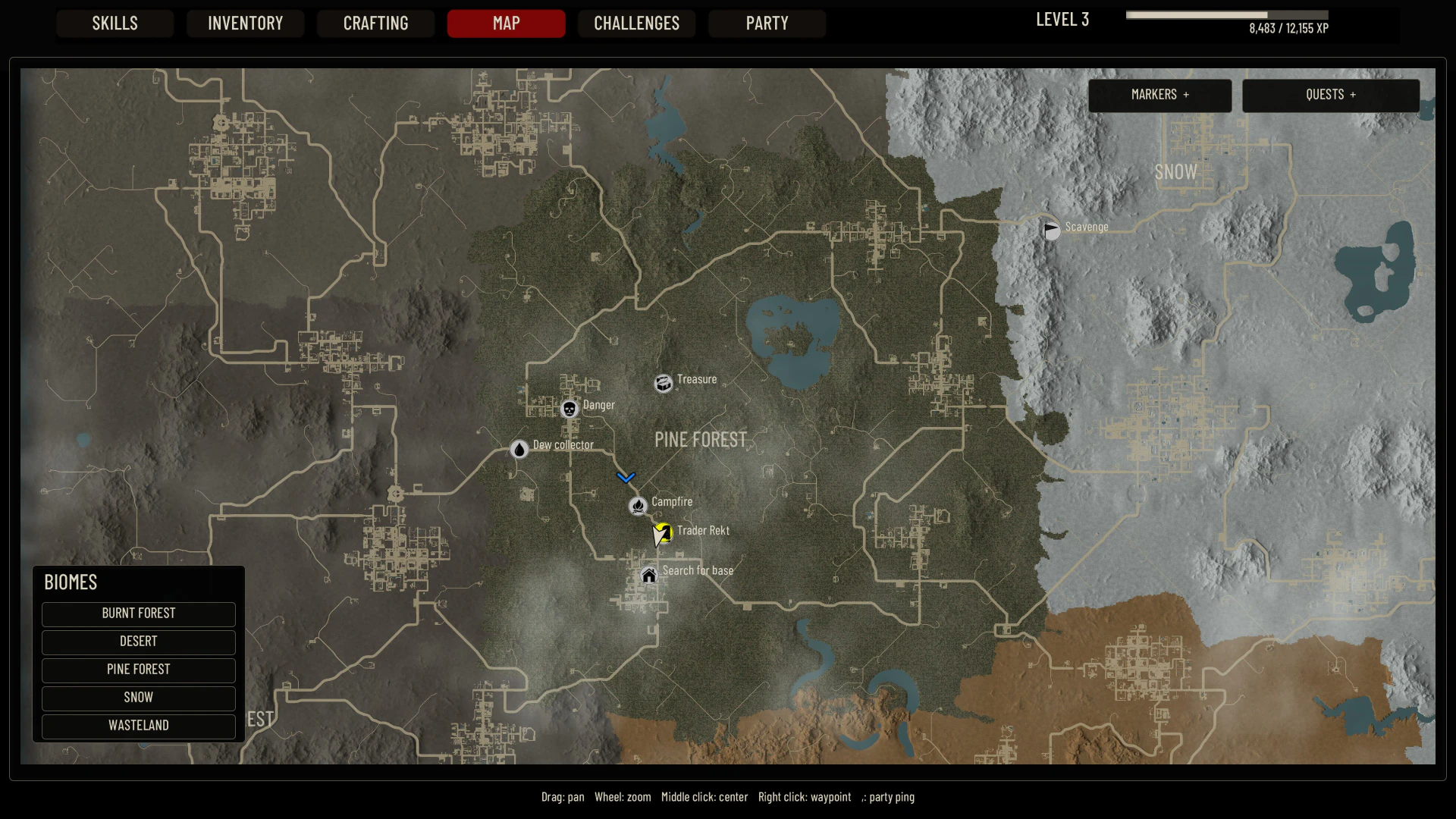
Image credit: Amensalt / Nexus Mods
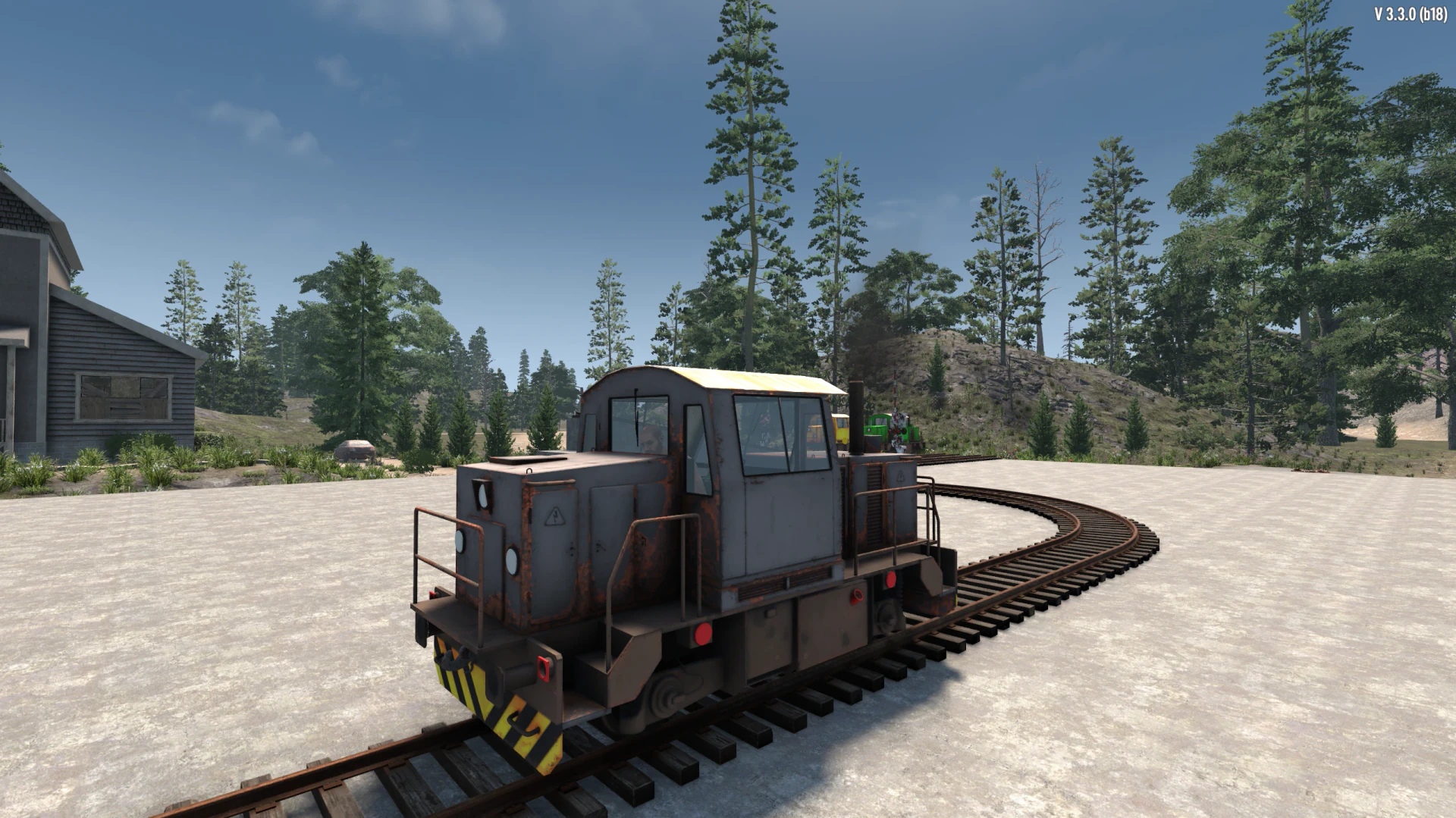
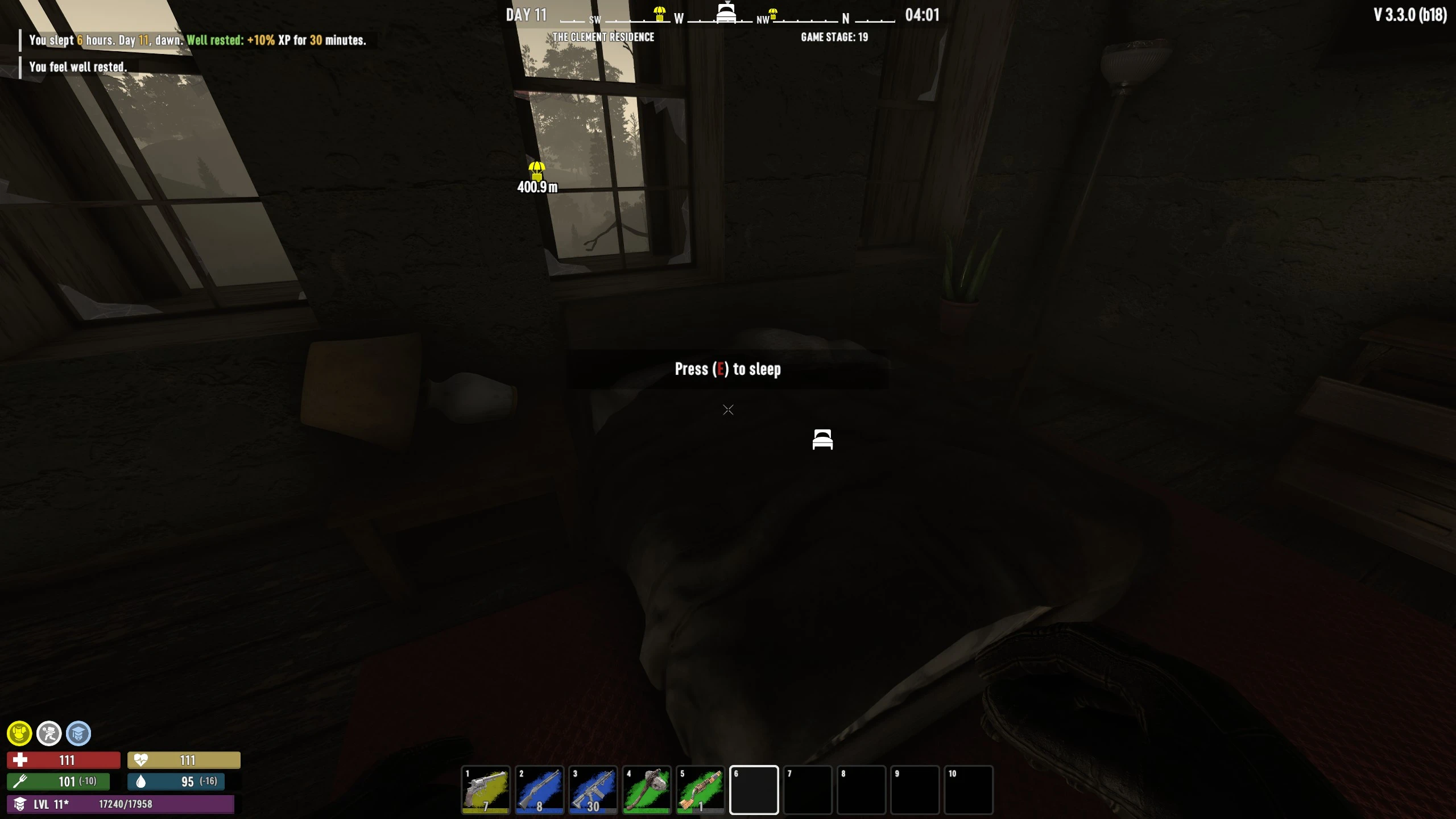
A survival game's interface needs to provide plenty of information without making every screen feel like a spreadsheet. AshenUI takes a broad swing at that balance in 7 Days to Die, rebuilding the HUD alongside inventory, crafting, character, skill, quest, map, and pause-menu screens. The result is a consistent dark visual system that reaches much farther than a simple health-bar replacement.
The overhaul also introduces a circular minimap, custom waypoints, party navigation improvements, and dedicated interface settings. It's a substantial UI replacement designed for 7 Days to Die V3.3.0 b18, so players using other interface overhauls should pay particular attention to overlapping changes. For anyone tired of the game's familiar menu presentation, AshenUI offers a very different way to organize the experience.